Protocol layouts
NilRead has a variety of built-in protocol layouts (also called views), containing one or more viewports, that act as quick viewport “building blocks”. Available layouts include:
- Typical stack (1x1) or tile (2x2) 2D layout
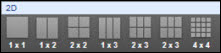
- Reformat viewports
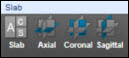
- Volumetric
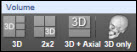
- Fusion
- ECG
Note that NilRead recognizes multi-dimensional series and will use a 2D layout that attempts to automatically split the screen properly to display each “dimension”.
Pick rules
You can define the series pick rules for a protocol layout: by index or by dicom matching, from anchor or from a particular prior. You can also define the first image to be selected for display (for example, a particular Right CC view of a “single series” mammography study). For a fusion layout, only the CT series is needed, therefore NilRead will automatically find the best matching “functional” series to overlay. While viewing the study, you can change the current series by dragging and dropping a different PET/NM series over the fusion layout.
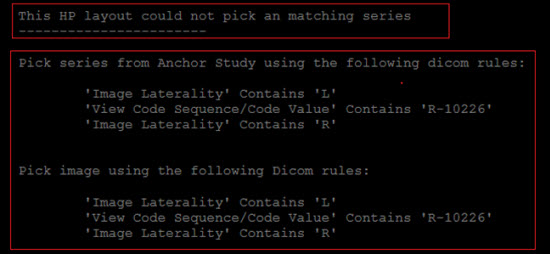
If a protocol layout cannot find a particular series, a blank screen will be shown with the error and the full definition that is being overlaid on the screen.
Presentation state
For 2D series, you can define the following:
- Window level: DICOM, Automatic (an algorithm decides the best values), enter a value or pick from a predefined list (for example, “Colon” for a CT study)
- Greyscale invert
- Zoom: Default or from 0.25x up to 4x
- Orientation: Default or one of 24 available options
- Whether cine will be started automatically
For a reformat view, you can define the following additional parameters:
- Render mode: Default, MIP, Average or Shaded
- Thickness
- For the Shaded render mode, the rendering preset protocol can also be selected from one of the available categories